New message from … · Say hello
From Someone. Reply to this email to answer them directly.
| Name | — |
| — | |
| Topic | — |
| Message | — |
PixelVerseForms
Build a form in minutes or point your own at one endpoint. Every response is stored, spam-checked and emailed to you with Reply-To set to the sender, so you answer by hitting reply.
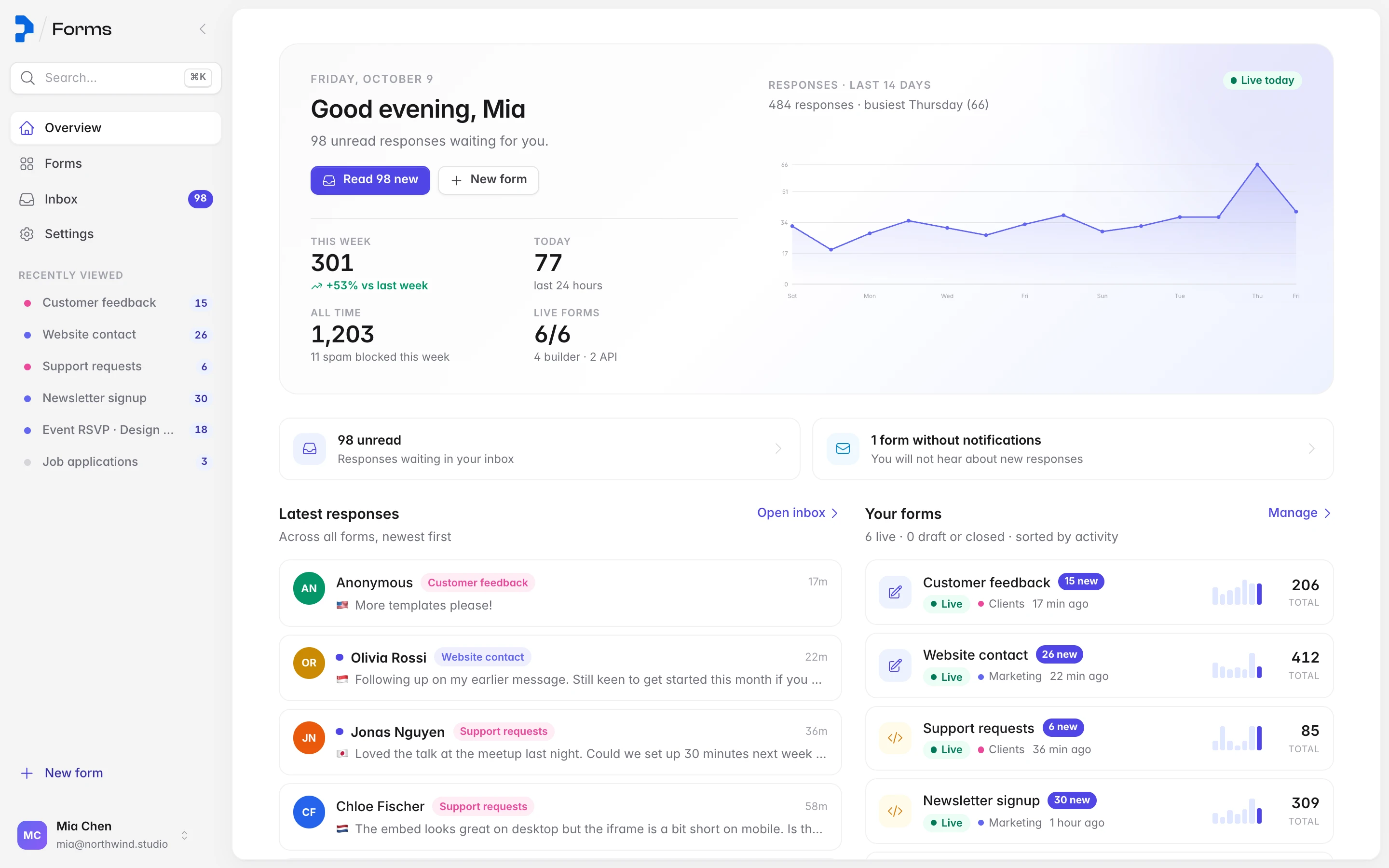
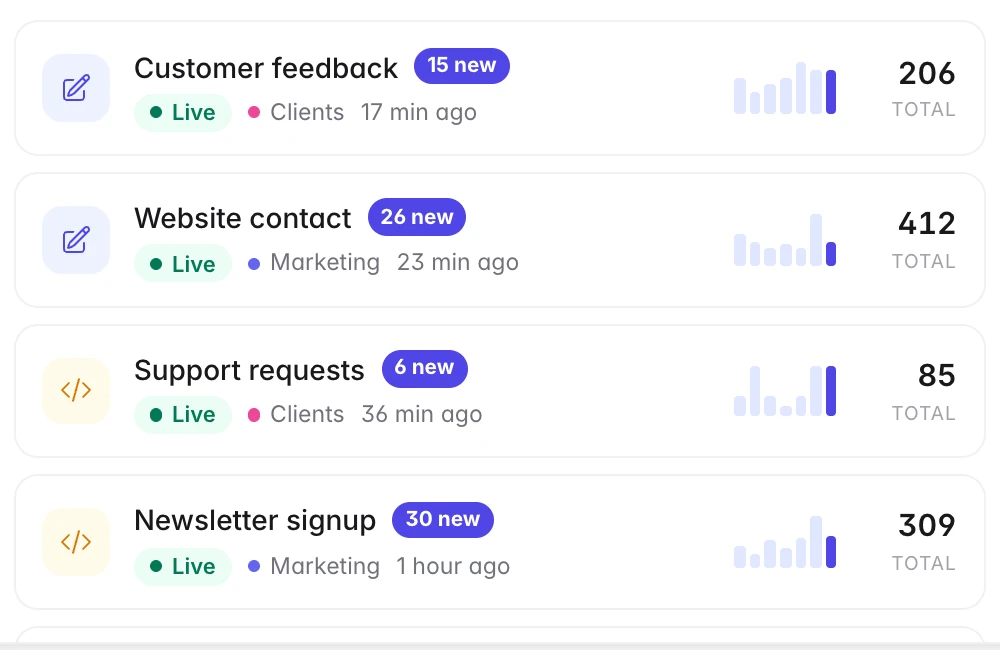
Forms, folders, counters and seven-day sparklines load together, so the dashboard opens instantly however many forms you run.
Try it
This is the real hosted form, running right here. Nothing is sent, but everything else is exactly what your visitors and your inbox get.
Every field validates as you type and again on the server. Press Send message to see the notification and the inbox entry fill in below.
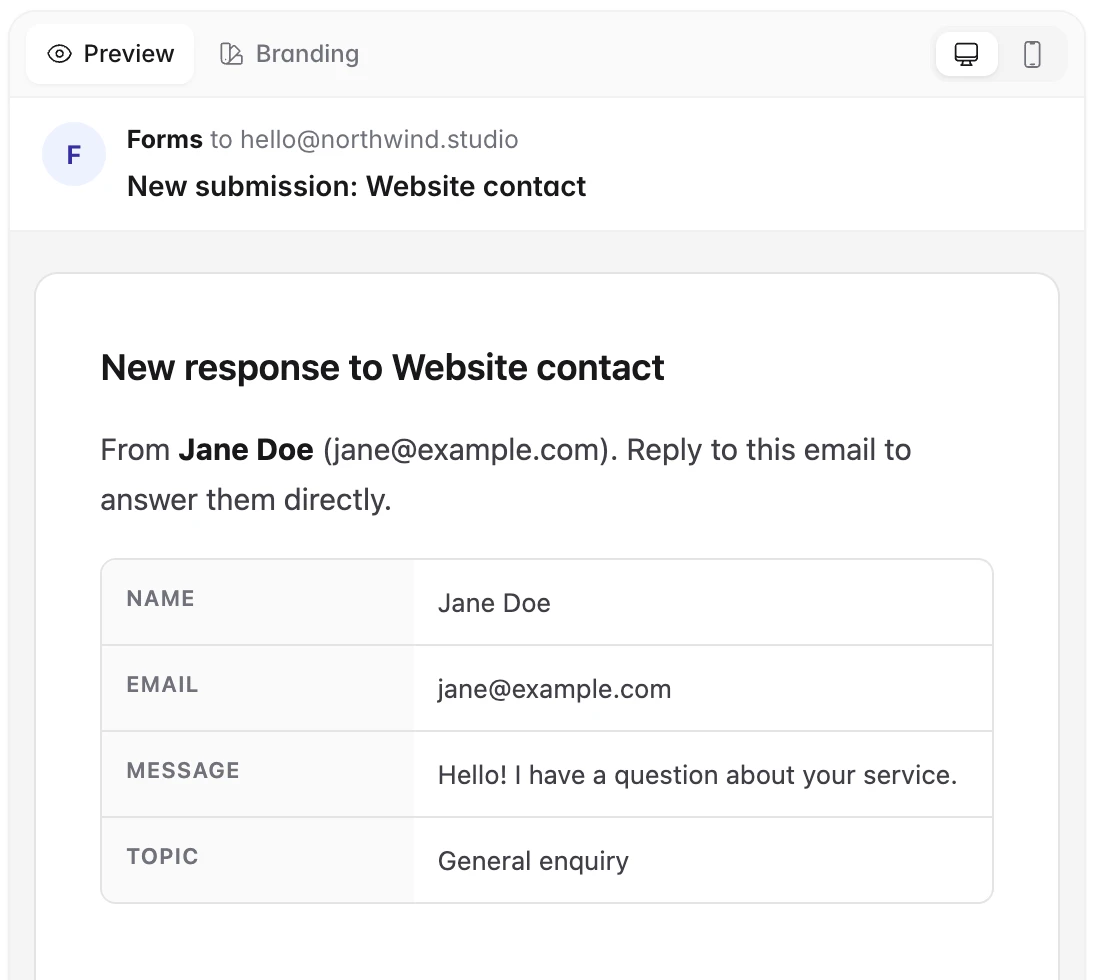
01Your notificationLands in your mail client with Reply-To set to the sender.
New message from … · Say hello
From Someone. Reply to this email to answer them directly.
| Name | — |
| — | |
| Topic | — |
| Message | — |
02Your inboxStored, spam-checked, with location and device attached.
SomeoneSay hello
Their message shows here in full, not truncated.
Integrate
Keep your markup and your stack. Send JSON, form-encoded or multipart data to one URL and get storage, spam filtering, emails, webhooks and analytics without writing a backend.
Requests are CORS enabled, builder rules are validated on the server, and every genuine response can be forwarded to a webhook with location, device and UTM tags included. Status codes are honest: 200 stored, 410 closed, 422 validation, 429 rate limited.
Requestyour-site/contact.html
<form action="https://forms.pixelverse.tech/api/forms/FORM_ID/submit" method="POST">
  <input name="name" placeholder="Your name" />
  <input name="email" type="email" placeholder="Email" required />
  <textarea name="message" placeholder="How can we help?"></textarea>
  <input type="text" name="sweetidentity" tabindex="-1" autocomplete="off"
         style="position:absolute;left:-9999px" aria-hidden="true" />
  <button>Send</button>
</form>namestringemailstringmessagestringsweetidentityhoneypot_meta.utm_*optionalResponse~120 ms
{ "ok": true, "id": "4f2c1d9e-8b31-4c2e-9f1a-2d7e5c0a1b6f" }Checked
Rate limits per IP and per email, honeypot, then builder rules on the server.
Stored
Answers plus approximate location, device, browser, referrer and UTM tags.
Emailed
Notification to you with Reply-To set to the sender; optional receipt to them.
Forwarded
JSON to your webhook URL, within the same second.
Publish
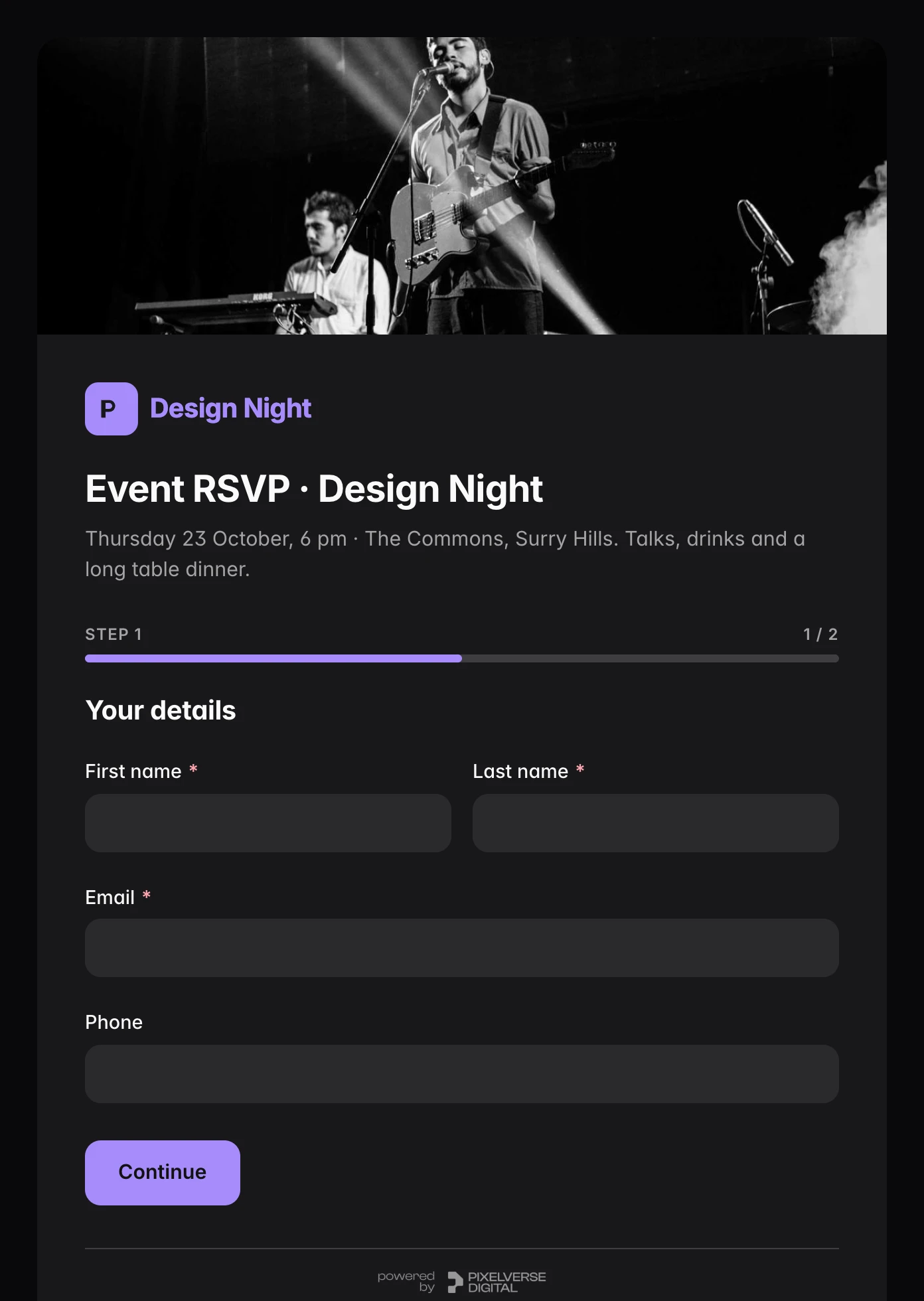
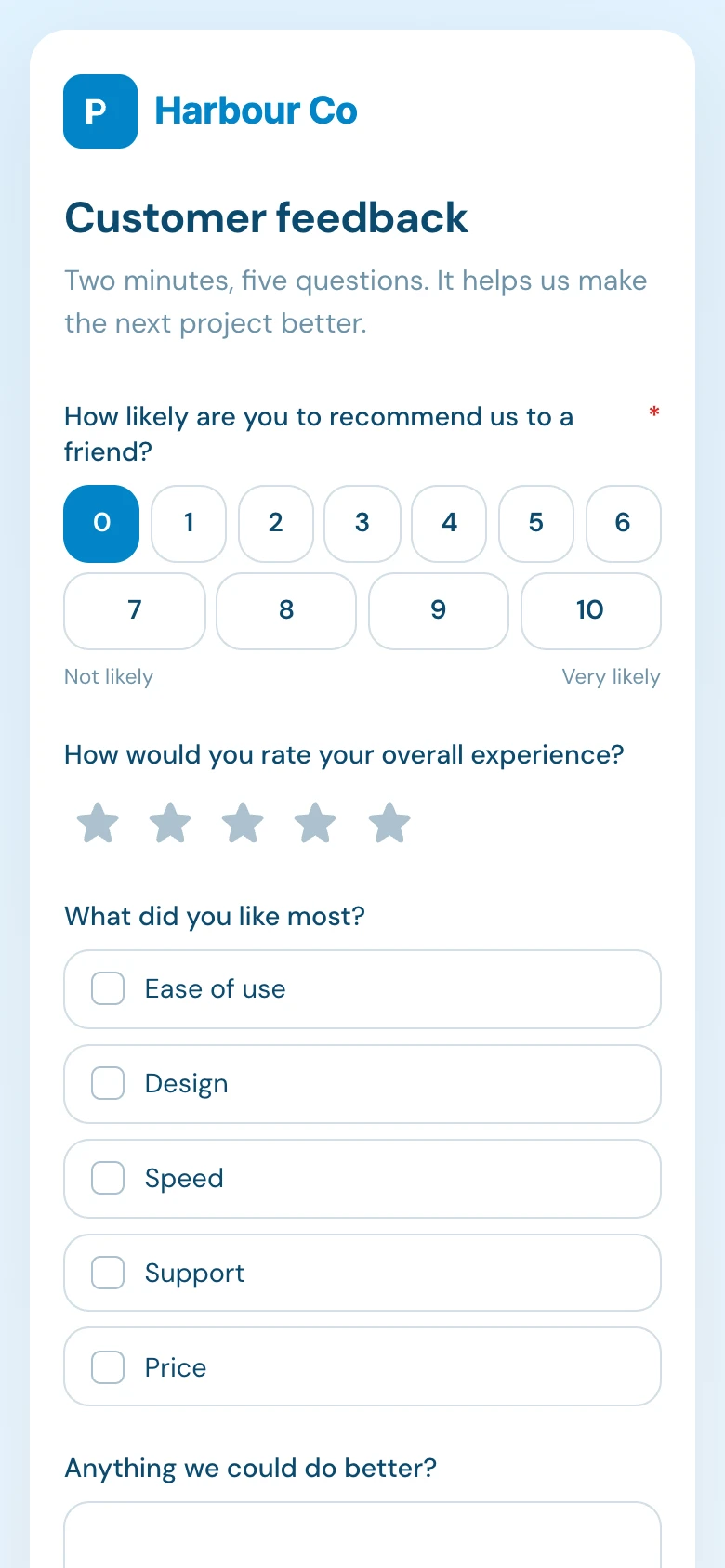
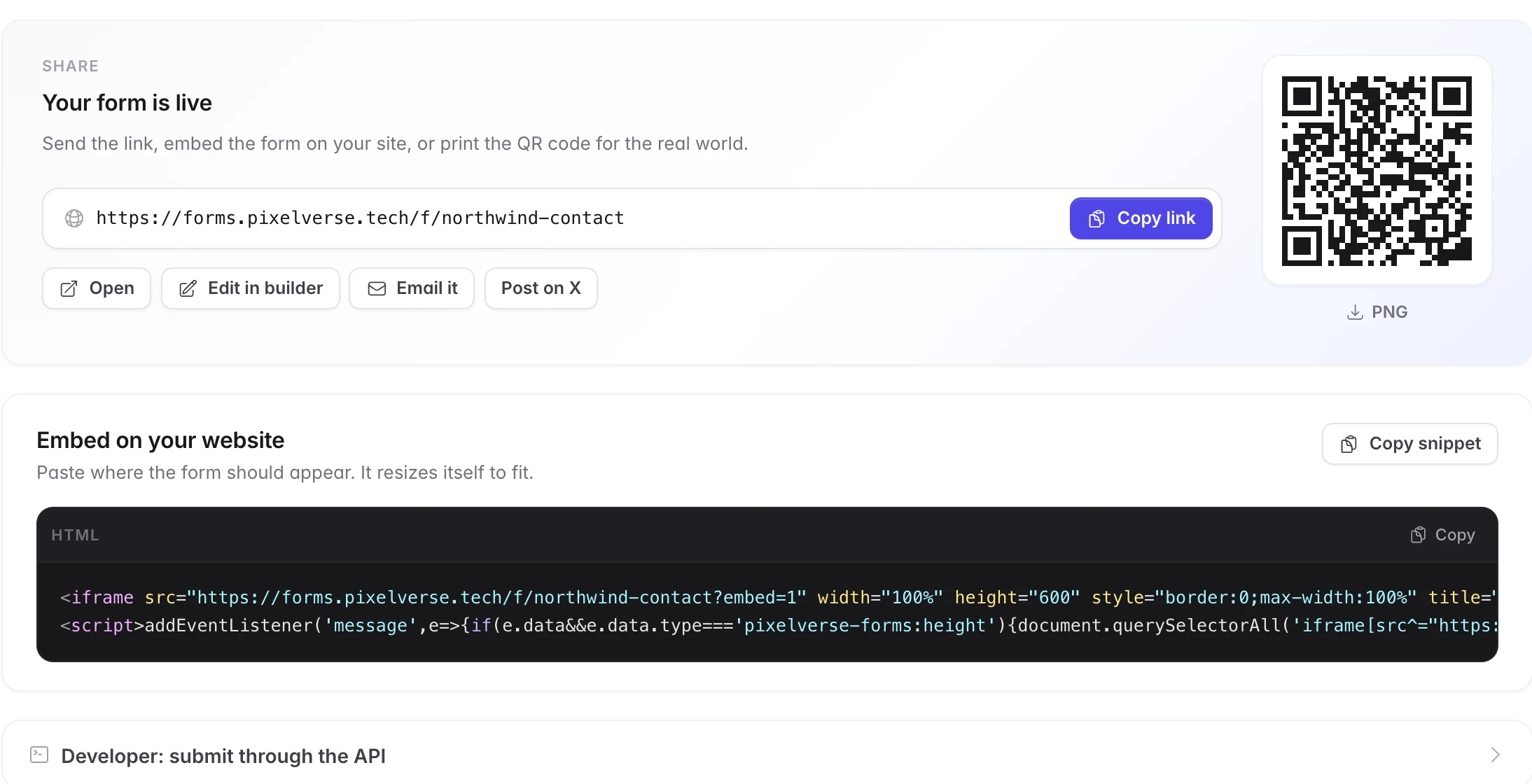
Hosted forms look right on every screen, light or dark. Embed one with an iframe that resizes itself, share a QR code, or keep your own HTML and only use the endpoint.

How it works
Agencies, freelancers and developers run dozens of forms for dozens of sites. This is how PixelVerse Forms keeps that calm: your address stays off the page, every response lands in one place, and replying is just email.
Your email never touches the page
The form posts to us, not to you. Visitors and scrapers never see your address, yet every response arrives in your mail client with Reply-To set to the sender. Press reply and the conversation continues like any email thread.
Everyone
Every site you run, one inbox
Ten clients, forty forms, one place to look. Folders per client, unread counts per form and a seven-day sparkline tell you where attention is needed before anyone chases you.
AgenciesFreelancers
Drop it into any site in a minute
Point an existing HTML form at the endpoint, embed the hosted page with an iframe that sizes itself, or share the link. Webflow, Framer, static sites and React apps all work the same way.
DevelopersSite builders
Spam is handled before you see it
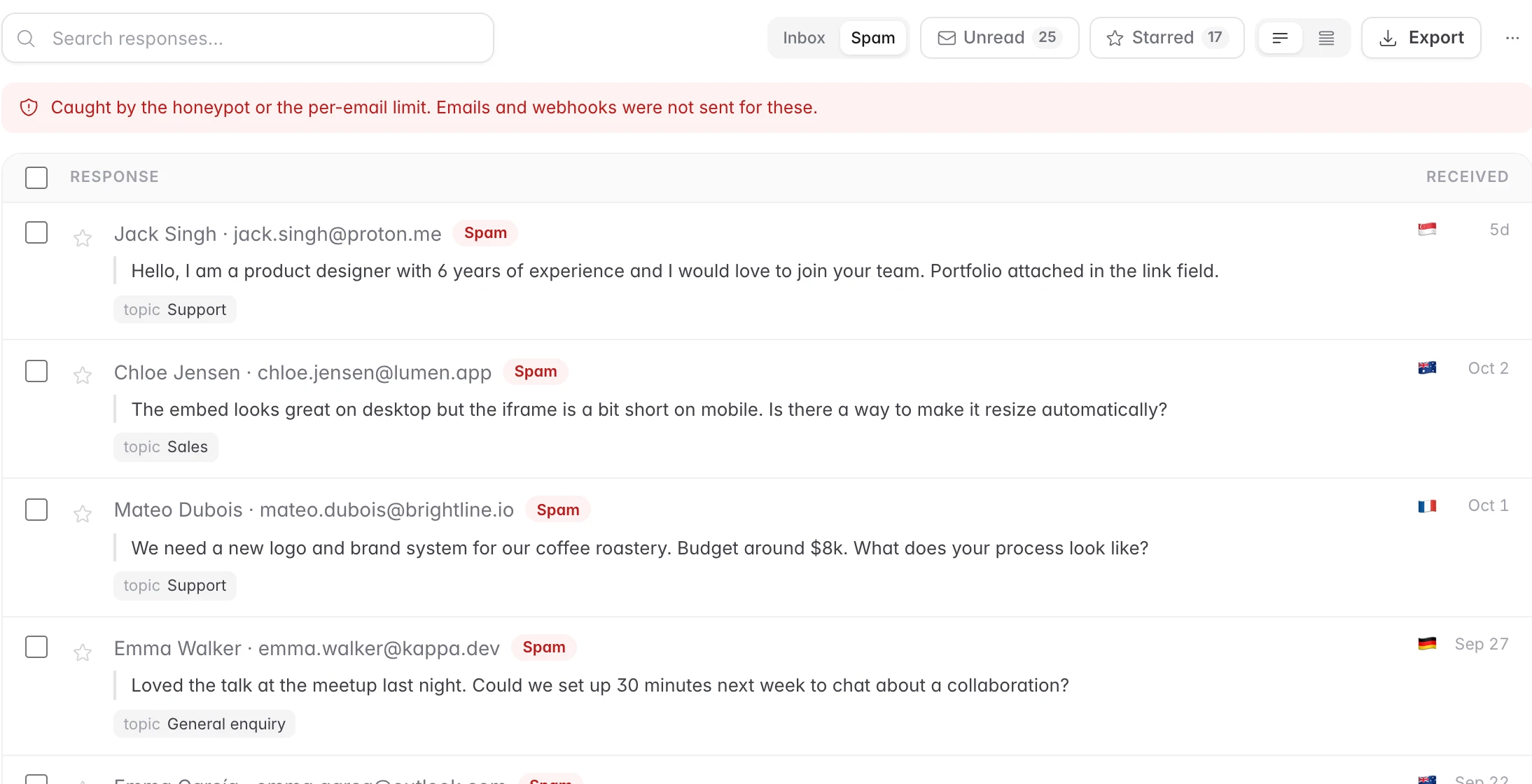
A honeypot field plus per-IP and per-email rate limits catch the automated junk that makes up most form traffic. It lands in a separate tab, never in your email, and one click restores a false positive.
Everyone
Know who wrote in, without asking
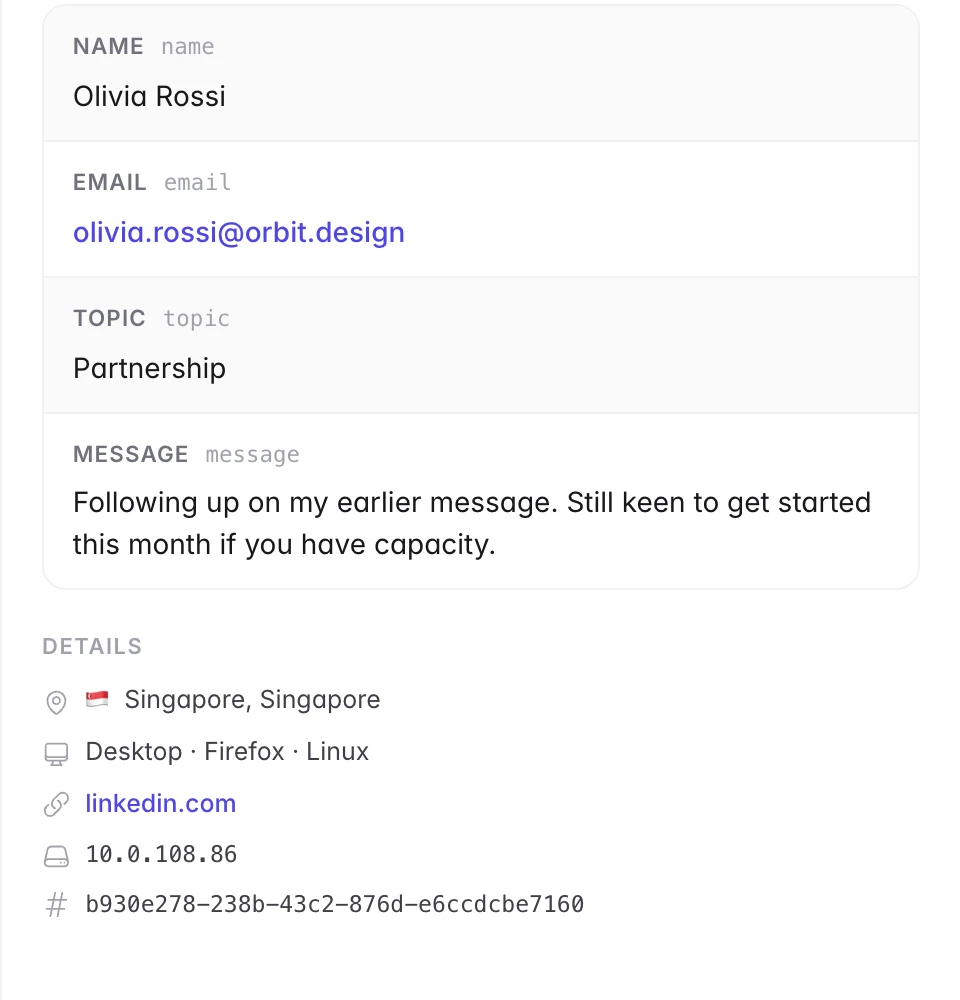
Every response records approximate location, device, browser, referrer and campaign tags on the server. No tracking scripts on your page, and enough context to answer well the first time.
SalesSupport
See when people reach out
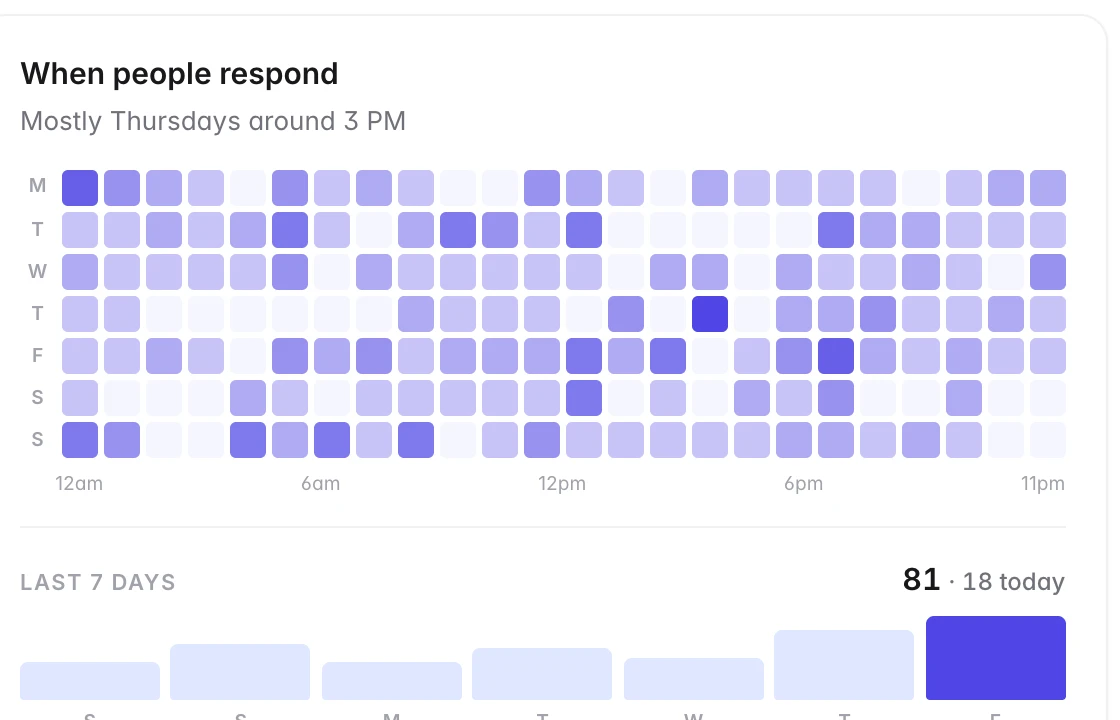
A weekday-by-hour heatmap per form shows when enquiries actually arrive, so you can staff the inbox, set expectations and spot a campaign landing.
Teams
Pricing
Every feature on every plan. A request is one submission; loading forms, the dashboard and editing templates never count.
Free
$0forever · up to 100 requests a day
Enterprise
$0.01per request past the free tier · $5/month minimum
Do I need to write any backend code?
No. PixelVerse Forms is the backend. You point your form at an endpoint and we handle validation, storage, email delivery, Reply-To routing and spam filtering.
How does the Reply-To conversation work?
Each notification has the Reply-To header set to the person who filled in the form. Hitting reply in your own inbox sends your message directly to them and threads like any email, without exposing your address on the public form.
Does it work with my framework?
Anything that can send an HTTP POST or render an iframe: plain HTML, React, Vue, Svelte, Next.js, Nuxt, Astro, Webflow, Framer, WordPress and mobile apps.
How do you handle spam?
A built-in honeypot plus per-IP and per-email rate limits. It keeps automated junk out without forcing your visitors through a captcha.
What counts as a request?
One submission POSTed to your form endpoint. Loading a form, opening the dashboard and editing templates are free. Only submissions count toward the daily total.
What happens past 100 a day?
Enterprise is usage-priced at $0.01 per request with a $5 monthly minimum, raised rate limits and invoicing. The pricing page has a calculator.
Get started
Free for 100 responses a day · No card required